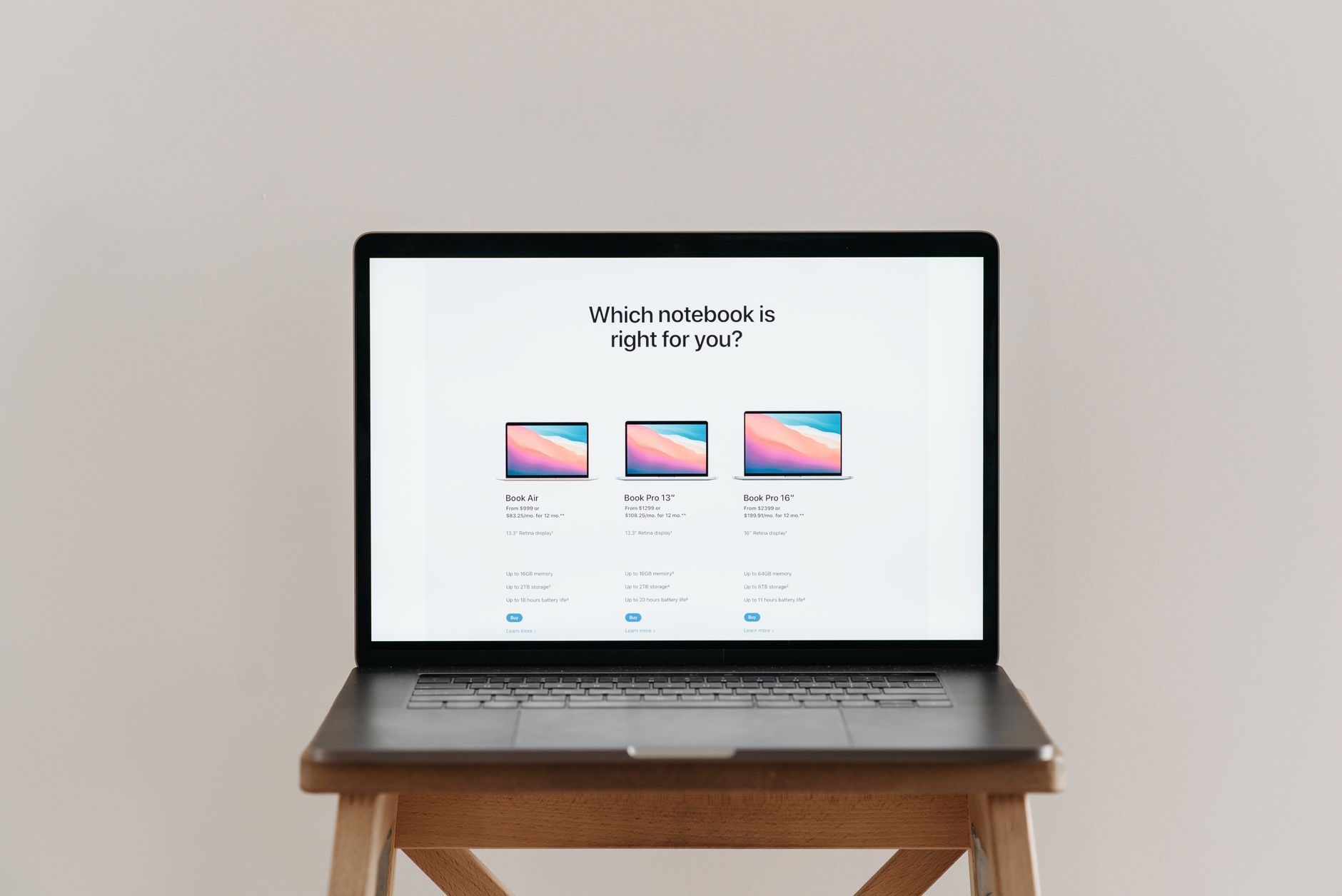
The Windows 11 vs macOS debate comes up every time someone buys a new computer, and the honest answer is that neither operating system is universally better. Each makes different tradeoffs, suits different users, and runs on fundamentally different hardware. What matters is matching the right one to how you actually work.
Hardware: locked in vs open market
macOS runs exclusively on Apple hardware. If you want macOS, you buy a Mac. That's the whole list. Apple controls every layer of the stack, from the M-series chip to the display driver, which is why macOS tends to run consistently and why the hardware feels tightly integrated with the software.
Windows 11 runs on thousands of different machines from dozens of manufacturers. That's a strength and a weakness at once. You get real choice on price, form factor, and specs. A capable Windows laptop costs considerably less than the cheapest MacBook. But the experience varies depending on who built the machine and what drivers they ship with it. A well-specced Dell XPS or Lenovo ThinkPad running Windows 11 performs excellently. A budget laptop from an unknown brand may not.
Apple's M-series chips (M2, M3, M4) have set a high bar for performance-per-watt. MacBooks with these chips last 15 to 18 hours on a single charge in everyday use, and they don't throttle under sustained load the way many Intel or AMD laptops do. Windows machines are catching up, particularly with Qualcomm Snapdragon X chips appearing in more thin-and-light laptops through 2025 and 2026, but Apple still leads on battery efficiency.
Software availability: the gap has narrowed
Windows 11 has the broader software library. Almost every business application, specialist tool, and game ships on Windows first. macOS gets most mainstream apps, but niche software, enterprise line-of-business tools, and PC gaming still lean heavily Windows.
Gaming is the starkest difference. Steam lists over 70,000 titles; the vast majority run on Windows, and a small fraction run natively on macOS. Apple's Game Porting Toolkit has improved things, but if gaming is a priority, Windows 11 wins outright.
For creative work, macOS has historically been the preferred platform. Adobe's Creative Cloud suite, Final Cut Pro, and Logic Pro all run well on Apple silicon. That said, Adobe Premiere, Photoshop, and Lightroom run equally well on a high-spec Windows machine. The gap is smaller than the marketing suggests.
Microsoft 365 runs on both platforms without meaningful difference. If your team uses Google Workspace, that's browser-based and platform-agnostic. For a deeper look at which productivity suite suits small businesses best, see our comparison of Microsoft 365 vs Google Workspace.
Security: both are solid, but differently
macOS has a reputation for security, partly earned and partly myth. Apple's closed hardware ecosystem makes certain attack vectors harder. macOS uses Gatekeeper to block unnotarised apps, and the T2 or M-series secure enclave protects stored credentials. macOS machines are targeted less frequently simply because Windows has a larger market share and therefore a larger attack surface.
Windows 11 ships with Microsoft Defender built in, which independent testing labs consistently rate as one of the best free antivirus tools available. Windows 11 also requires TPM 2.0, which enables BitLocker encryption and hardware-backed security features. Microsoft has invested heavily in security since Windows 10, and the gap between the two platforms is smaller than it was five years ago.
Neither OS protects you from phishing, weak passwords, or social engineering. Good habits matter more than the operating system you're on. For guidance on staying protected regardless of platform, our article on essential software every new PC or Mac should have covers the security tools worth installing first.
The user experience: familiar vs polished
macOS is consistent. The menu bar lives at the top, the Dock sits at the bottom, and the interface has been refined over two decades without radical restructuring. Users who learned macOS in 2015 sit down at a 2026 Mac and feel at home immediately.
Windows 11 is more capable of customisation and more prone to inconsistency. Some Settings panels sit inside the modern Settings app. Others open a legacy Control Panel window that looks unchanged since Windows 7. Microsoft has promised to unify these for years. It still hasn't. That said, Windows 11's taskbar, Snap Layouts for window management, and virtual desktops are genuinely useful features that macOS doesn't match directly.
For users already deep in the Microsoft ecosystem (Outlook, Teams, OneDrive, Active Directory), Windows 11 is the natural fit. For users in Apple's ecosystem (iPhone, iPad, AirDrop, iMessage), macOS integrates in ways Windows can't replicate.
Cost and longevity
Windows 11 itself is free as an upgrade from Windows 10. The hardware cost depends entirely on what you buy. A capable Windows laptop starts around $700 AUD. The cheapest MacBook Air with an M2 chip costs around $1,499 AUD.
Apple supports its hardware for longer than most Windows PC manufacturers. A Mac bought in 2019 still received macOS updates in 2025. Many Windows laptops stop receiving firmware and driver updates from the manufacturer after three to four years, even if Windows itself keeps updating.
Microsoft has confirmed Windows 10 support ends in October 2025, pushing users toward Windows 11. If you're running older hardware that doesn't meet Windows 11's requirements, that's worth factoring into a purchase decision now. Windows 11 requires a 64-bit processor, 4 GB RAM, 64 GB storage, and TPM 2.0.
Which one should you choose?
Choose Windows 11 if you need broad software compatibility, want flexibility on hardware and price, play PC games, or work in an organisation that runs Windows infrastructure.
Choose macOS if you're already in the Apple ecosystem, prioritise battery life and build quality, do professional creative work on Apple-native tools like Final Cut Pro or Logic Pro, or simply want an experience that requires less ongoing maintenance.
Neither platform is a poor choice in 2026. The decision usually comes down to two things: what you already own and what software you can't live without.