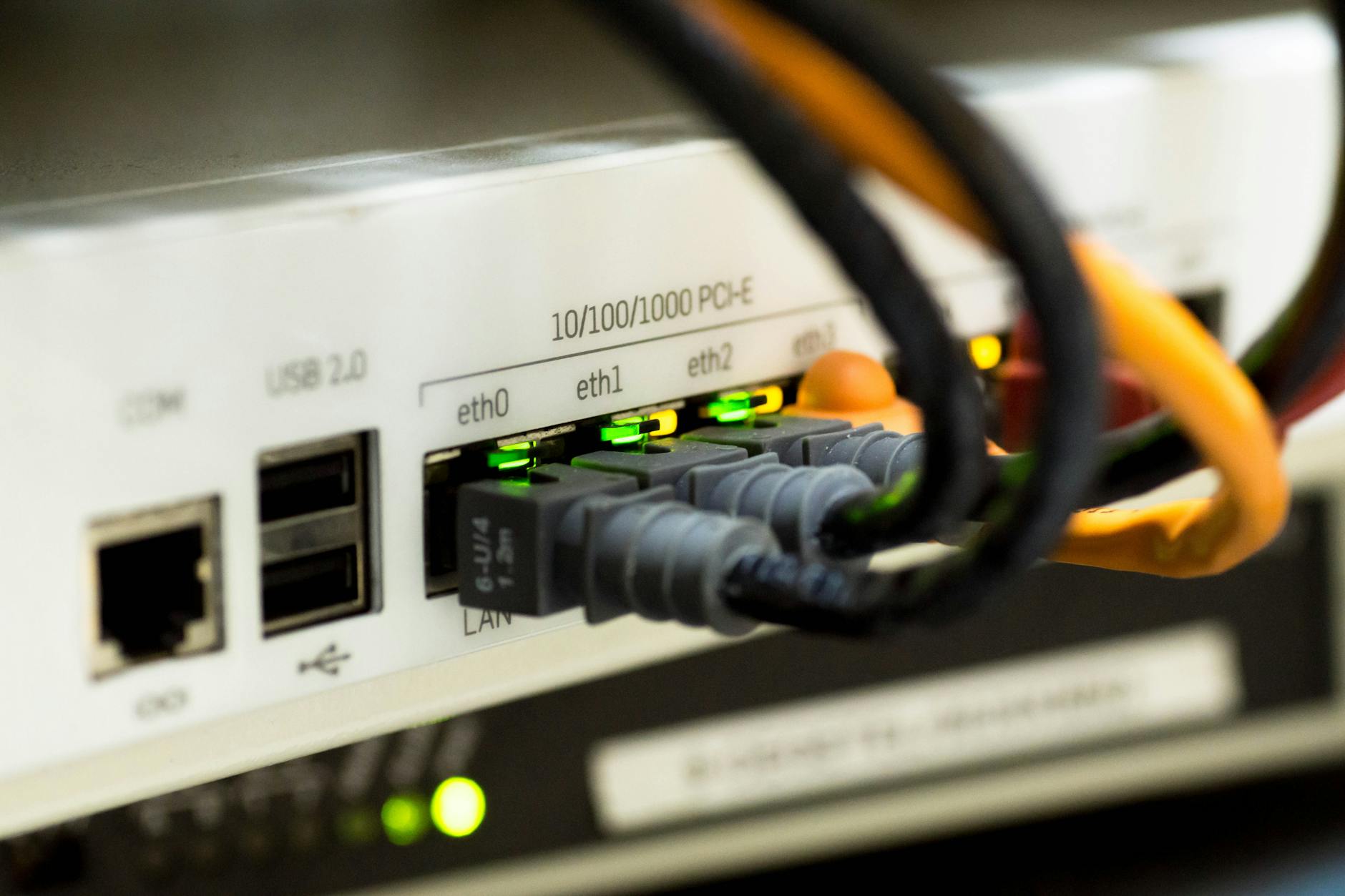
When comparing ethernet vs Wi-Fi for speed and reliability, the honest answer is that ethernet wins on almost every technical measure. But that doesn't mean it's always the right choice. The real question is whether the difference matters for how you actually use your network, and in some situations, it matters quite a lot.
Speed: how big is the gap?
A wired ethernet connection using a Cat 6 cable can sustain speeds up to 1 Gbps (gigabit per second) with consistent throughput. Cat 6a and Cat 7 cables push that to 10 Gbps over short runs. Those numbers are largely guaranteed: copper wire doesn't share bandwidth with your neighbour's router or the microwave two rooms over.
Wi-Fi is a different story. Wi-Fi 6 (802.11ax) advertises theoretical peaks of around 9.6 Gbps, but real-world throughput for a single device typically lands between 300 Mbps and 600 Mbps under good conditions. Walls, interference, and distance all eat into that number. Wi-Fi 6E, which runs on the 6 GHz band, cuts out some interference, but it still can't match the consistency of a cable.
For most households, raw speed isn't the bottleneck anyway. If your internet plan delivers 100 Mbps, both ethernet and Wi-Fi will hit that ceiling just fine. The speed gap only bites when you're doing something bandwidth-heavy on your local network: transferring large files between devices, streaming 4K video from a NAS, or running a home server.
Latency and stability: where ethernet pulls ahead
Latency is the delay between sending a request and receiving a response. It's measured in milliseconds, and for most tasks, a few extra milliseconds are invisible. For some tasks, they're not.
Ethernet connections typically deliver latency under 1 ms on a local network. Wi-Fi adds somewhere between 5 ms and 30 ms depending on signal strength, interference, and the router's processing load. That range isn't fixed: a crowded 2.4 GHz band in an apartment building can spike much higher.
Gamers notice this. Video call quality degrades when latency spikes unpredictably. And anyone running VoIP for a business phone system will get cleaner audio on a wired connection. Stability matters as much as the average speed: a connection that delivers 50 Mbps consistently is more usable than one that averages 80 Mbps but drops to 10 Mbps every few minutes.
Packet loss is another factor most Wi-Fi guides gloss over. Wireless signals can drop individual data packets when interference is high, forcing retransmission. Ethernet packet loss on a healthy network is effectively zero.
When Wi-Fi is the right answer
Ethernet isn't always practical. Running cables through walls requires either a renovation mindset or very tolerant housemates. For smartphones and tablets, there's no ethernet port at all. And for devices that move around, a cable is simply not an option.
Modern Wi-Fi 6 and Wi-Fi 6E routers handle typical household loads well. Streaming services, web browsing, video calls, and cloud file access all work without issue on a decent wireless connection. If your router is in the same room or the next one over, the signal quality is usually strong enough that you won't notice the difference in day-to-day use.
Mesh Wi-Fi systems like those from Eero or Orbi reduce dead spots in larger homes by distributing access points across multiple rooms. These systems have improved significantly over the past few years. They don't beat ethernet on latency, but they close the gap enough for most users.
Security: a less obvious difference
Ethernet has a small security edge that rarely gets mentioned. A wired connection is physically contained: someone has to be plugged in to intercept traffic. Wi-Fi signals travel through walls and into the street. A poorly configured wireless network can be accessed by anyone within range.
That said, WPA3 encryption (the current Wi-Fi security standard) makes wireless interception difficult for a determined attacker and essentially impossible for casual ones. Keeping your router firmware updated and using a strong password covers most of the risk. If you're thinking about network security as part of a broader concern, it's worth reading about how to protect your personal information online, since your network is just one layer of that picture.
Powerline and MoCA adapters: the middle ground
If running ethernet cable isn't practical but you need something more stable than Wi-Fi, two wired alternatives are worth knowing about.
- Powerline adapters use your home's existing electrical wiring to carry network data. You plug one adapter near your router, another near the device you want to connect, and they talk through the power circuit. Speed and latency are better than Wi-Fi but worse than a direct ethernet run. Quality varies by how old the wiring is.
- MoCA (Multimedia over Coax Alliance) adapters use coaxial cable, the same type that carries cable TV signals. MoCA 2.5 adapters can deliver close to gigabit speeds with very low latency, making them a strong choice for anyone with existing coax runs in the walls.
Which should you use?
For desktops, gaming consoles, smart TVs, and any device that sits in one place: use ethernet. The cable is cheap, the connection is stable, and you'll never troubleshoot a dropped signal.
For phones, laptops that move around, and smart home devices: Wi-Fi is the only realistic option. A good Wi-Fi 6 router placed centrally in your home handles these well.
For a home office or a business environment, the stakes are higher. Dropped connections during client calls or slow file transfers cost real time. A wired connection for the primary work machine, supplemented by Wi-Fi for everything else, is a sensible split. The same logic applies to any device storing or transmitting sensitive data: keeping that traffic on a physical cable removes one wireless attack surface. If your business relies on networked systems, it's also worth reviewing your small business cybersecurity checklist to make sure the network layer is part of a broader security posture.
Ethernet wins the technical comparison. Wi-Fi wins the convenience comparison. Most setups benefit from both running in parallel, with the cable reserved for devices where reliability actually counts.