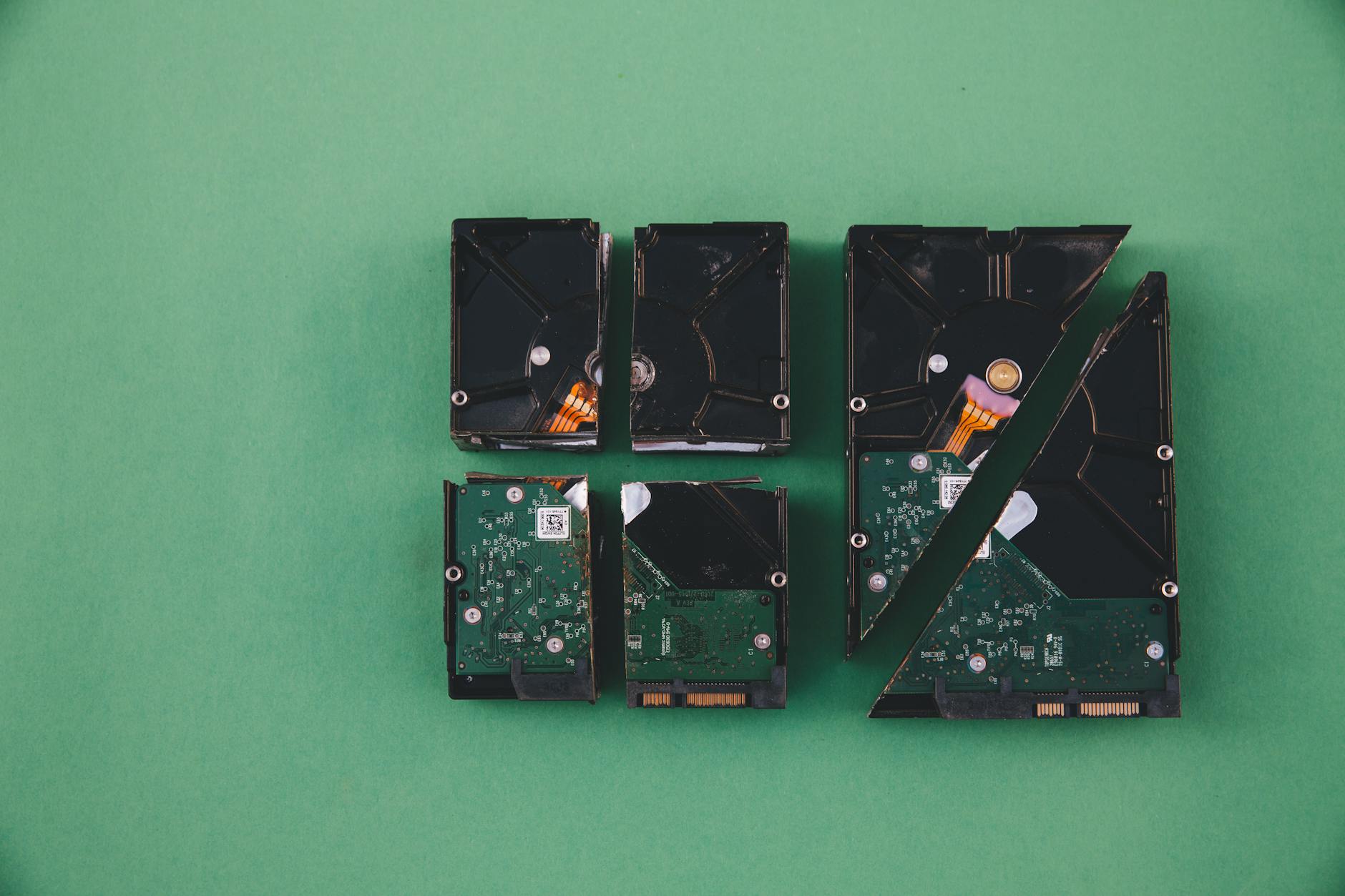
Can data be recovered from a damaged or failed SSD? It's one of the most urgent questions a person types into a search engine, usually right after their laptop goes quiet and their files stop appearing. The honest answer is: sometimes yes, sometimes no, and the gap between those two outcomes often comes down to decisions made in the first hour. SSDs fail differently from traditional hard drives, and those differences matter a great deal for recovery.
Why SSD failure is different from hard drive failure
A spinning hard drive stores data on magnetic platters. When it fails mechanically, a skilled technician can often swap components in a cleanroom and read the platters directly. SSDs work differently. Data on an SSD sits inside NAND flash memory chips, managed by a controller chip that handles wear leveling, garbage collection, and encryption. When the controller fails, the data on the chips may be physically intact but completely inaccessible without specialist equipment.
SSDs also practise something called wear leveling, which spreads writes across the drive to prevent any single cell from burning out early. A side effect is that deleted data gets erased faster on an SSD than on a hard drive. The TRIM command, supported by most modern operating systems, instructs the SSD to wipe blocks marked for deletion almost immediately. That is good for performance and bad for recovery.
Types of SSD failure and what they mean for your data
Not all failures are equal. The type of failure is the single biggest predictor of whether your files are coming back.
Firmware or controller failure. The NAND chips still hold your data, but the controller can't translate it. This is recoverable with professional tools, though it's expensive. Expect to pay hundreds of dollars at a reputable data recovery lab.
Electrical damage. Power surges can fry the controller, the capacitors, or the NAND chips themselves. If only the controller board is damaged, recovery is feasible. If the NAND is burned, the data is gone.
Bad blocks and wear-out. Over time, flash memory cells lose the ability to retain a charge. Consumer SSDs are rated for a finite number of write cycles. When cells wear out, the drive typically tries to remap data to healthy blocks, but past a certain point it starts throwing read errors. Some of your files will be intact; others won't. Recovery software can retrieve the files stored on healthy blocks.
Logical failure. The drive is physically fine, but the file system is corrupted. Maybe the partition table was overwritten, or the drive was formatted by accident. This is the best-case scenario for recovery. Good software tools handle logical failures well, and professional services handle them even better.
Physical damage. A drive crushed under a car wheel or soaked in salt water is a different problem. NAND chip-off recovery is theoretically possible if the chips are readable, but it requires lab equipment and costs thousands of dollars. Success is not guaranteed.
What you should do immediately after a failure
Stop writing to the drive. This is the most important thing you can do. Every byte written to a failed SSD risks overwriting data you're trying to recover. Don't install recovery software on the same drive. Don't save downloads to it. Don't let Windows or macOS index it.
If the drive is still partially detected by your computer, use imaging software to clone it to a healthy drive before attempting any recovery. TestDisk and PhotoRec are free, open-source tools that handle logical failures and can recover files from a cloned image without touching the original.
If the drive isn't detected at all, or if it's making unusual behaviour like disappearing and reappearing, power it down and don't connect it again until you've decided whether to send it to a professional lab. Repeated connection attempts can accelerate wear on a marginal drive.
DIY recovery versus professional services
DIY tools work well for logical failures on drives that are still detected. Tools like Recuva (Windows) or Disk Drill (Windows and Mac) scan the file system for recoverable data and can retrieve accidentally deleted files, formatted partitions, and corrupted directories. They cost nothing or close to nothing, and for straightforward cases they're genuinely effective.
Professional data recovery services are worth considering when the drive isn't detected, when there's physical or electrical damage, or when the data is irreplaceable. Reputable labs have cleanroom facilities and proprietary tools for reading NAND chips directly. The cost typically ranges from a few hundred dollars for a simple logical job to several thousand for chip-off recovery. Most labs offer a free diagnostic and a no-data, no-fee policy, so you're not paying unless they actually retrieve something.
One thing to watch for: recovery software companies sometimes advertise that their tools fix controller failures or firmware corruption. They don't. If a drive isn't showing up in your operating system's disk management, software running on that same computer can't see it either. At that point, the problem is hardware, not software.
The role of encryption in SSD recovery
Modern SSDs often include hardware-based encryption, and some manufacturers enable it by default. If the controller that holds the encryption key fails, the data on the NAND chips is unreadable even after a successful chip-off recovery. This is worth checking before you send a drive to a lab. If your drive used BitLocker on Windows, your recovery key is tied to your Microsoft account. If the drive used its own self-encrypting drive (SED) firmware and the controller is dead, the prognosis is poor regardless of what any lab tells you.
The lesson encryption teaches is the same one every failed SSD teaches. The only truly reliable protection is a backup that sits somewhere other than the drive that just stopped working. A ransomware attack and an SSD controller failure have one thing in common: both leave you staring at inaccessible files and wishing you'd set up a second copy. The 3-2-1 backup rule (3 copies, 2 different media types, 1 offsite) exists precisely because drives fail without warning.
Realistic expectations for SSD data recovery
Logical failure on a detected drive: recovery rates above 80% with the right tools. Firmware or controller failure: professional recovery is possible, but costs are high and results vary. Physical NAND damage: low probability, high cost, no guarantees. Encrypted drive with a dead controller: nearly zero probability without the original key.
If the data you've lost is important and the drive isn't detected, skip the DIY phase and call a professional lab directly. Time spent on tools that can't see the drive is time the drive is spending in an uncertain state. And if you're currently looking at a healthy drive after reading this, it's worth reviewing how you protect your data before the next failure rather than after it.